


What can viewers do in my simulator?
Simulators are player games: you play them, your viewers change the game. Every gift is mapped to an action, for example a new customer, a cash bonus, a cleaner, a shoplifter or a thunderstorm. Helping actions and challenging ones are shown on separate cards, so your audience decides together whether today is a good day for your shop.
When you take a break, an autopilot keeps the game moving on stream. Open your own window with Play yourself and you take over again. Many simulators have a daily goal; reach it and your win counter goes up.
Supermarket games: the Steam mod and the browser versions
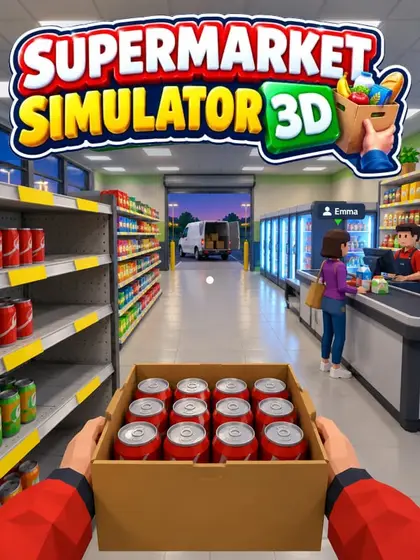
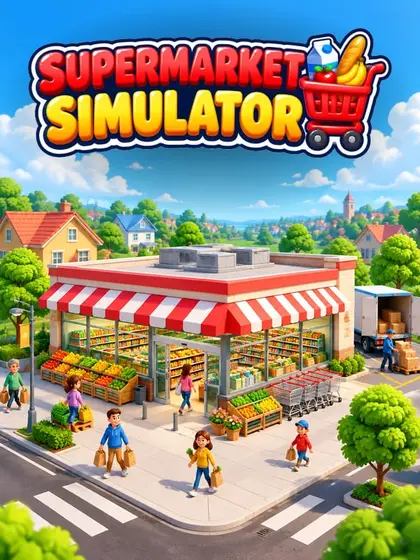
Supermarket games are the classic simulators for TikTok LIVE. If you own Supermarket Simulator on Steam, the Supermarket Simulator TikTok mod brings your viewers' gifts into that game through the Livedeck desktop app, on Mac and Windows. Supermarket Simulator 3D is a 3D supermarket in first person with staff, deliveries, thieves and a whole town around your shop, and it is free for every Livedeck account. Supermarket Simulator is the lighter browser version, also free.
Fishing, kebab shop, pizza and barber shop
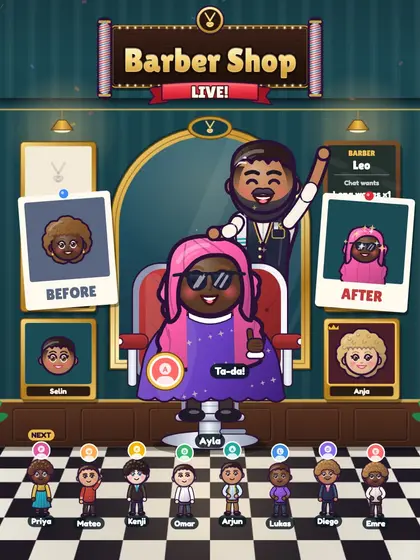
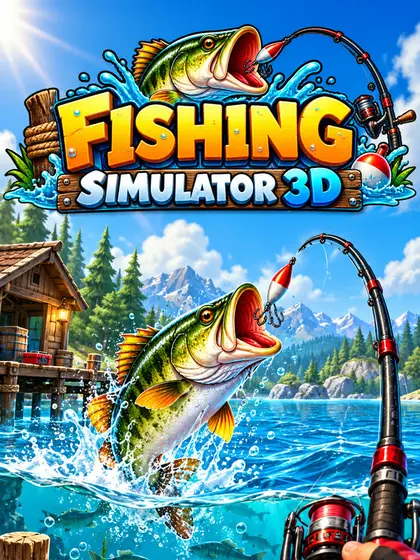
Fishing Simulator 3D takes you to a lake dock, a rowing boat and a sea cutter while viewers send schools of fish or golden bait. Döner Simulator 3D is your own kebab shop: viewers order, help at the grill and leave tips or reviews. Pizza Rush is baking against the clock while viewers become cooks or riders, and Barber Shop Live! gives viewers a makeover in the chair.
Which simulator fits my stream?
If you like to talk while you play, pick a cozy, calm simulator such as Fishing Simulator 3D or the supermarket games: there is always something to do, but nothing punishes a short pause. If your live is fast and loud, Pizza Rush and Döner Simulator 3D keep you busy with orders against the clock. Barber Shop Live! is a viewer game: you watch the makeovers and comment on every new haircut, while your audience picks cut, colour and beard.
All of them work the same way in Livedeck: one gift list, the same test buttons and the same overlay link, so you can switch games between two lives without new setup.
Playing a simulator on stream
Start the game on stream in Livedeck and add your overlay link once in TikTok LIVE Studio or OBS; to play yourself, open the game window with Play yourself and show it in your stream, as Play a game yourself explains step by step.