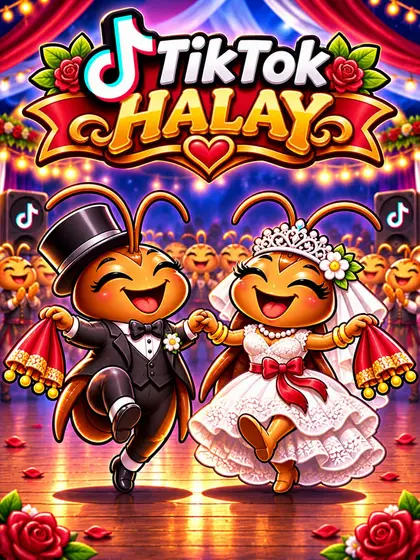
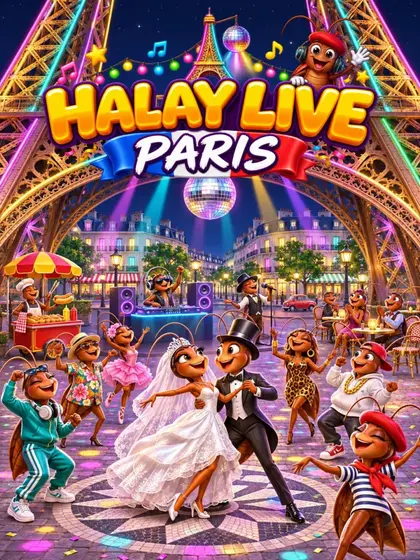
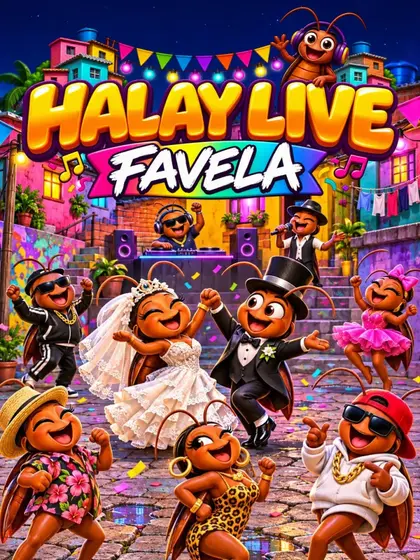
Horon Live! in detail: a Black Sea wedding in your TikTok LIVE
How do viewers join the horon?
Every gift brings its sender into the line. Without a gift you choose: in a small live everybody who comes in dances along and in a bigger live a comment is enough, or always by comment, or only with a gift or a follow. The line takes 20 to 80 dancers (40 by default). With many dancers it becomes two or three lines dancing in sync.
In the settings you can also write the names of the bride and groom and the village or place of the wedding. Comments appear as speech bubbles over the dancer and in a small feed.
The nine actions of Horon Live!
You map each action to a gift, likes or a follow. Gifts you did not map act by their coin value, and the fog never comes from an unmapped gift.
- Join the horon: the viewer joins the line as a little dancer.
- Horon figure: the horon başı calls the next figure, sallama, titreme or dik horon, and the whole line dances it.
- Horon başı: the viewer leads the line and calls the figures until somebody takes over.
- Play the kemençe or the tulum: the viewer plays in the middle for a while and the horon gets a little faster.
- Sıksara: the fast part with small quick steps and shaking shoulders.
- Horon storm: the fastest horon with a camera move, lights and sparks.
- Fog from the mountain: fog rolls over the square and the energy drops.
- Surprise: tea for everyone or a kemençe solo, or a snapped string or a cow on the square.
Formations, calls and the peak
The horon başı at the head of the line calls every change in Turkish: Düz sıra! for the line, Yarım halka! for the half circle, Halka! for the closed circle. In automatic mode the line starts straight and later changes between half circle, circle and line; you can also fix one formation. Without gifts the leader calls a short figure now and then, so the dance never stands still.
Gifts, likes and shares fill the energy bar. At 100 the wedding reaches its peak: confetti, sparkler fountains and everybody hops with linked hands. A leaderboard shows the top five dancers. Horon Live! plays no music: an own davul rhythm can be switched on in the settings and is off by default.
Horon Live! settings at a glance
In the game settings you adjust Horon Live! to your live:
- Names of the bride and groom and the village or place of the wedding.
- Dancers in the line: 20, 30, 40, 60 or 80.
- Joining without a gift: in a small live everybody, otherwise by comment; always by comment; or only with a gift or follow.
- Where a small live ends: under 10, 20, 30 or 50 viewers.
- Formation: changing by itself, line, half circle or closed circle.
- Meter: 7/16 or 5/8.
- Comments as speech bubbles on or off, and the own davul rhythm on or off.
How do I add Horon Live! to TikTok LIVE Studio or OBS?
Open Games in Livedeck, start Horon Live! on stream and add your Livedeck overlay link once in TikTok LIVE Studio or OBS. Map your gifts and test every action before you go live. Horon Live! is a watch-only viewer game: it runs on stream and your viewers play it. The guide Halay and Horon on TikTok LIVE explains how to plan a horon stream.
Tips for your horon stream
Give the horon başı a mid-priced gift: the leader calls the figures, so the viewer who holds the role shapes the dance. Keep the horon storm for a big gift and the fog for a gift your audience likes to tease you with. For a Turkish wedding with halay instead of horon, look at Halay Live! and TikTok Halay, and all dances are on the page TikTok LIVE dance games.